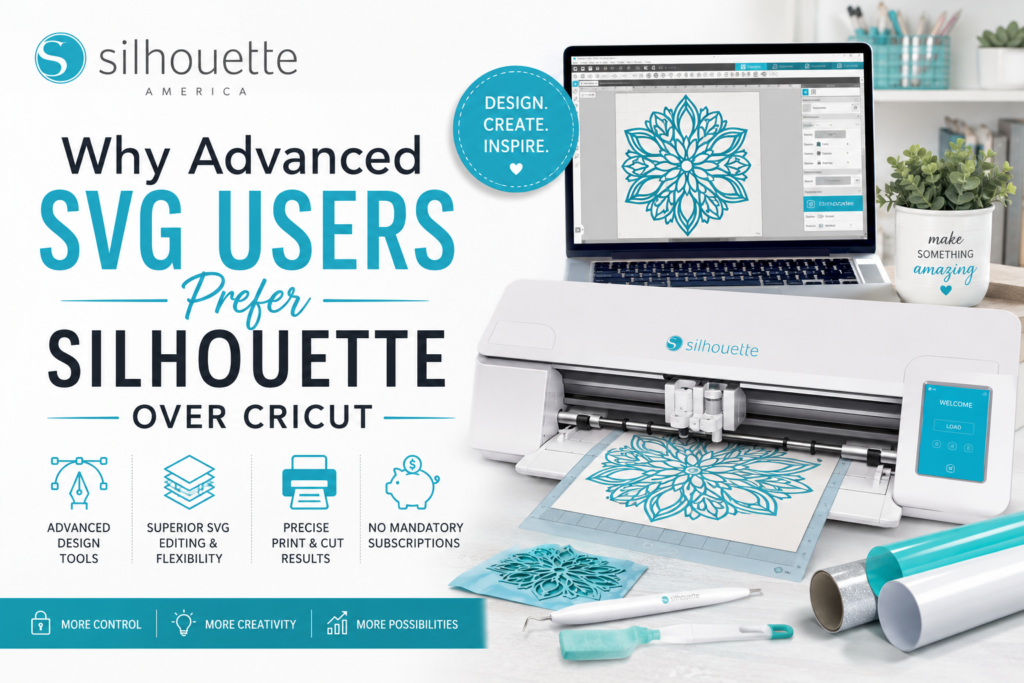
Whether you’re a professional designer, Etsy seller, small business owner, or crafting enthusiast, SVG files are at the heart of many creative projects. From layered vinyl decals and custom apparel to intricate paper crafts and stickers, SVG compatibility can make a significant difference in your workflow. While both Silhouette and Cricut support SVG files, many advanced users consistently choose Silhouette for its flexibility, precision, and powerful design capabilities.
What Makes SVG Files So Important?
SVG (Scalable Vector Graphics) files allow users to create and cut designs without losing quality. Unlike raster images, SVGs can be resized infinitely while maintaining crisp lines and accurate details. For creators who regularly design their own graphics or purchase SVG files from marketplaces, having a cutting platform that handles these files efficiently is essential.
Why Advanced Users Choose Silhouette
1. Greater Design Control
One of the biggest reasons experienced SVG users prefer Silhouette is the level of control offered by Silhouette Studio. The software provides advanced editing tools that allow users to modify paths, adjust nodes, weld designs, create compound paths, and fine-tune cutting lines without needing additional software.
For designers who create original artwork or frequently customize purchased SVG files, this flexibility can significantly streamline the design process.
2. Better Workflow for Custom Projects
Many advanced crafters work on projects that require multiple layers, detailed cuts, and complex layouts. Silhouette Studio makes it easier to manage these projects by offering robust design features that help users organize, edit, and optimize files before sending them to the machine.
Whether creating custom decals, stickers, apparel graphics, or product packaging, advanced users often appreciate the freedom to work directly within the Silhouette ecosystem.
3. Strong Support for Small Businesses
Silhouette has become a popular choice among entrepreneurs and small business owners who rely on SVG files daily. The platform supports a wide range of creative applications, including:
- Vinyl decals
- Custom t-shirts
- Stickers
- Product labels
- Packaging designs
- Personalized gifts
- Event signage
Because many small businesses require precise cuts and repeatable results, Silhouette’s workflow aligns well with commercial production needs.
4. Advanced Print & Cut Capabilities
For sticker makers and product label creators, Print & Cut functionality is often a deciding factor. Silhouette machines are known for handling detailed print-and-cut projects effectively, making them a preferred option for businesses that produce custom stickers, planner accessories, and branding materials.
5. More Freedom Without Subscription Dependence
Many advanced users appreciate having the ability to create and manage designs without relying heavily on subscription-based design libraries. Silhouette allows creators to build their own design collections, import SVG files, and maintain greater control over their creative assets.
This flexibility appeals to professionals who prefer owning and organizing their design resources independently.
Ideal Users for Silhouette
Silhouette is often an excellent choice for:
- Graphic designers
- Etsy sellers
- Small business owners
- Sticker shop operators
- SVG file creators
- Vinyl decal businesses
- Teachers creating educational materials
- Experienced crafters seeking advanced customization
While Cricut remains a popular option for beginners, many users who require more design flexibility eventually explore Silhouette’s capabilities as their projects become more complex.
Final Thoughts
Choosing the right cutting machine depends on your goals and experience level. For users who frequently work with SVG files, create custom designs, and need greater control over the design process, Silhouette offers a powerful combination of software flexibility, creative freedom, and professional-grade capabilities.
Whether you’re launching a creative business, selling products online, or simply taking your crafting skills to the next level, Silhouette provides the tools needed to transform ideas into finished products with confidence.
Frequently Asked Questions
Why do SVG designers prefer Silhouette?
Many SVG designers prefer Silhouette because it offers advanced editing tools, greater design flexibility, and more control over cut settings within Silhouette Studio.
Can Silhouette open SVG files?
Yes. Silhouette supports SVG file imports, allowing users to work with purchased or custom-created vector designs.
Is Silhouette better for small businesses?
Silhouette is often favored by small businesses that create stickers, decals, labels, apparel graphics, and personalized products due to its advanced design capabilities and workflow flexibility.
What types of projects are best suited for Silhouette?
Silhouette works well for vinyl decals, stickers, heat transfer vinyl projects, cardstock crafts, labels, packaging, signage, and custom merchandise.
Is Silhouette suitable for beginners?
Yes. Beginners can start with basic projects while also having access to advanced tools that support growth as their skills develop.
What is the main advantage of Silhouette Studio?
The primary advantage is the software’s extensive design and editing capabilities, which allow users to customize SVG files and create original designs with greater precision.
Can Silhouette be used for commercial projects?
Yes. Many entrepreneurs and small business owners use Silhouette machines and software to produce products for sale, including stickers, apparel, labels, and personalized gifts.
Which is better for advanced SVG users: Silhouette or Cricut?
For users who prioritize design flexibility, file customization, and advanced editing tools, many experienced creators find Silhouette to be a strong choice for SVG-based projects.